Platforms
Các nền tảng





Host: mysql.toolhub.app
Port: 3306
Client side: MySQL Workbench

Host: postgresql.toolhub.app
Port: 5432
Client side: PG Admin

Host: sqlserver.toolhub.app
Port: 1433
Client side: SSMS

Host: mongodb.toolhub.app.
Port: 27017
Client side: MongoDB Compass

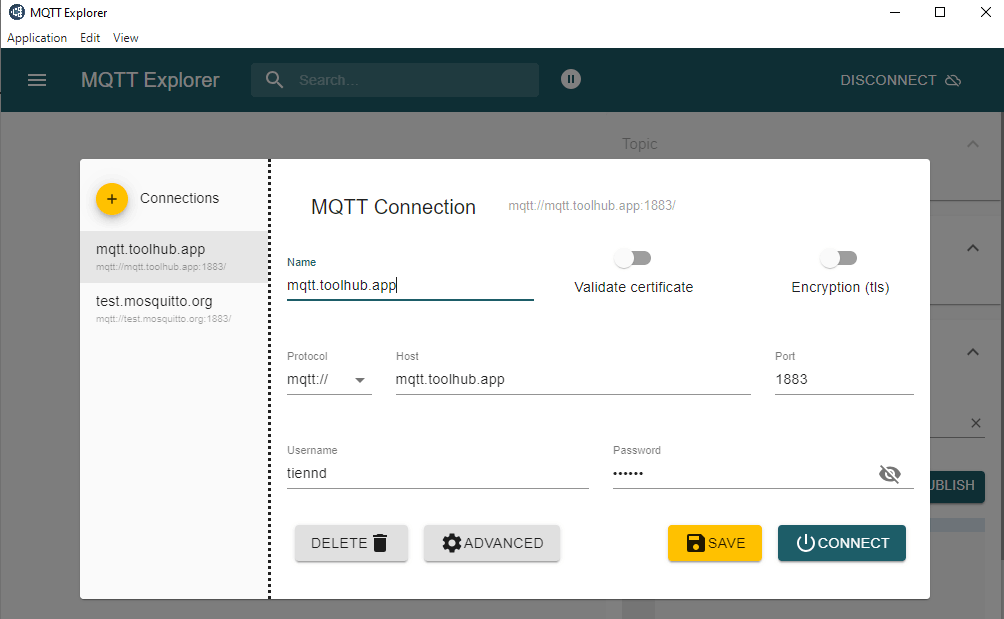
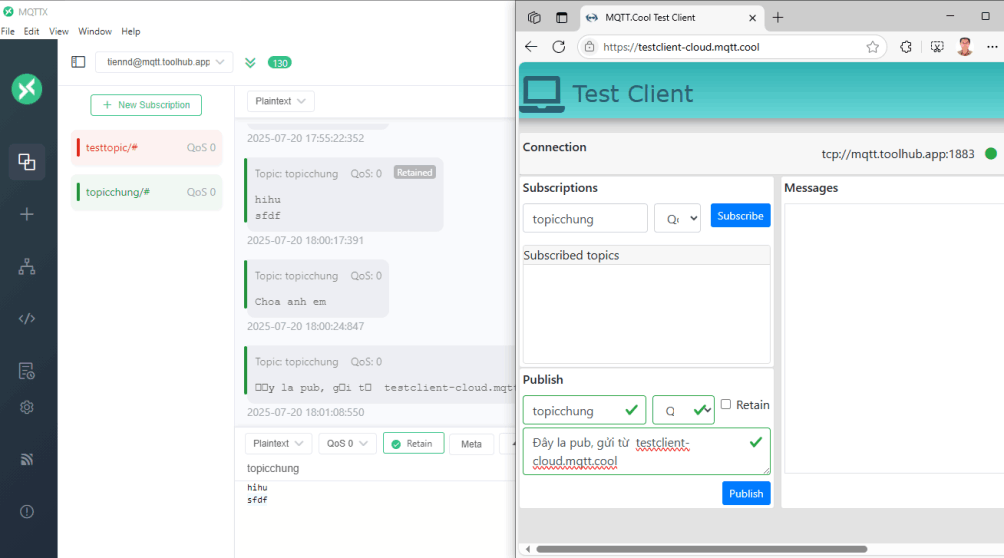
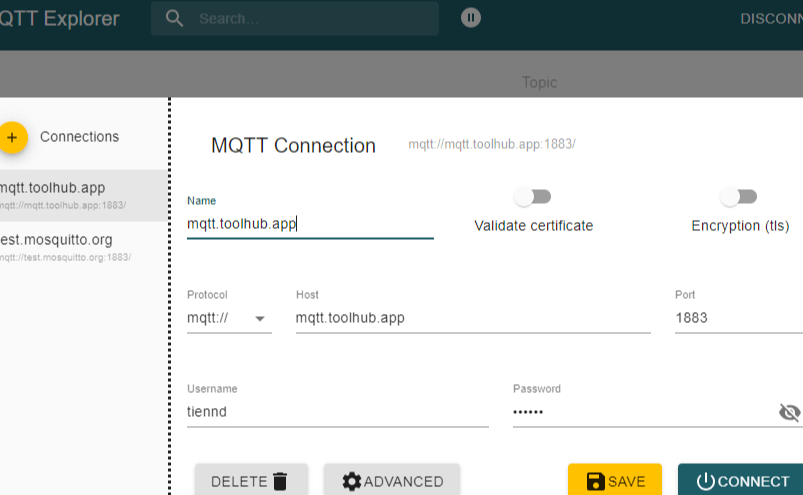
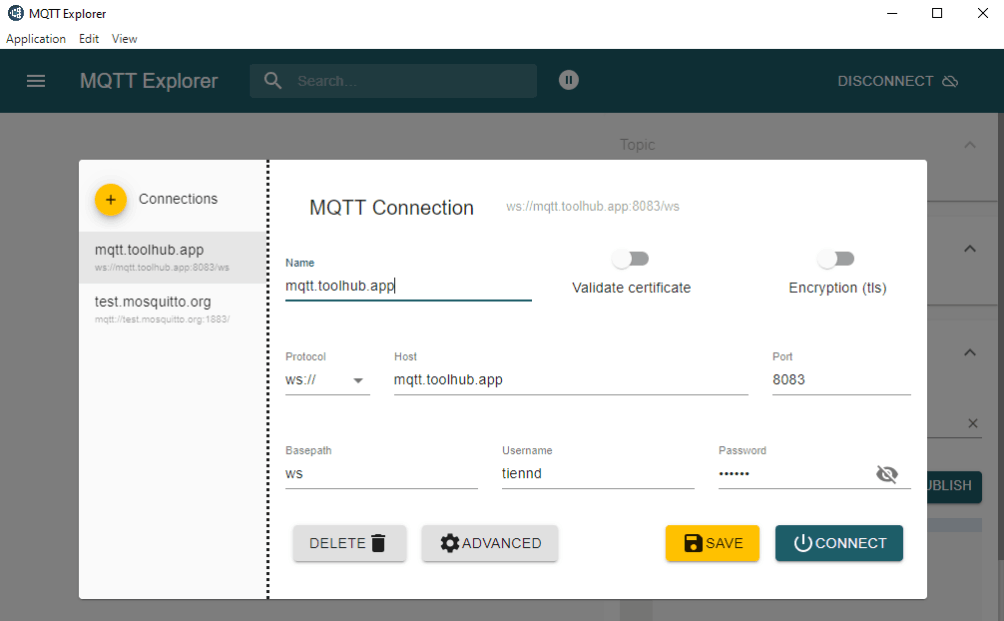
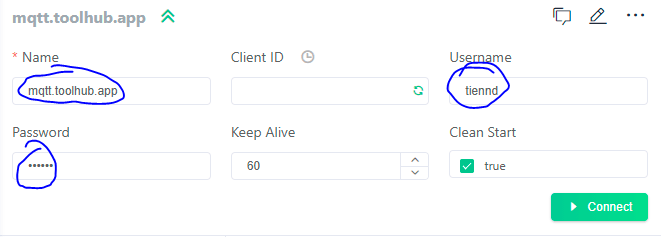
Host: mqtt.toolhub.app
Port: 1883/mqtt, 8883/mqtts, 8083/ws, 8084/wss
Client side: MQTTX, MQTT Explorer, https://testclient-cloud.mqtt.cool
Lưu ý: web client dùng https thì bắt buộc phải dùng wss tương ứng.

Đang thực hiện


WINSCP: https://winscp.net/ kết hợp với Putty https://putty.org/index.html
WinSCP giúp quản lý tất cả các các tài khoản và máy chủ tập trung ở một nơi, có thể giúp nhớ mật khẩu. WinSCP quản lý copy file lên máy chủ với giao diện 2 cửa sổ: nửa bên trái là máy cá nhân, nửa bên phải là máy chủ.
Hai cửa sổ local-remote
Các tài khoản truy cập cá máy chủ
Tự động gọi Putty và đăng nhập luôn trên giao diện dòng lệnh
Mobile web traffic overtook desktop one in 2016 and will only grow, and that's why it's important to create websites that look good on all devices. No special actions required, all sites you make with the Builder are mobile-friendly. You don't have to create a special mobile version of your website, it will adapt automagically.
Xem tài liệu https://github.com/neittien0110/ProjectSample/blob/master/DeployWebAPI.md
PS: Không sử dụng docker
Xem tài liệu https://github.com/neittien0110/ProjectSample/blob/master/DeployFrontend.md
PS: Không sử dụng docker
Nguyên tắc chung: chỉ đẩy lên bản build với file jar.
Đang thực hiện.
Cách triển khai tương tự như với WebAPI JS, theo nguyên tắc Port Proxy.